X outreach from your own account
Start with someone’s X handle. Use a recent post to write a relevant DM, review it before it sends, and pick up the conversation when they reply.
From an X handle to a conversation
Bring your X handles
Connect your X account from a supported desktop browser. Paste your contacts’ handles or upload a CSV to an X lead list.
Give the first DM a reason
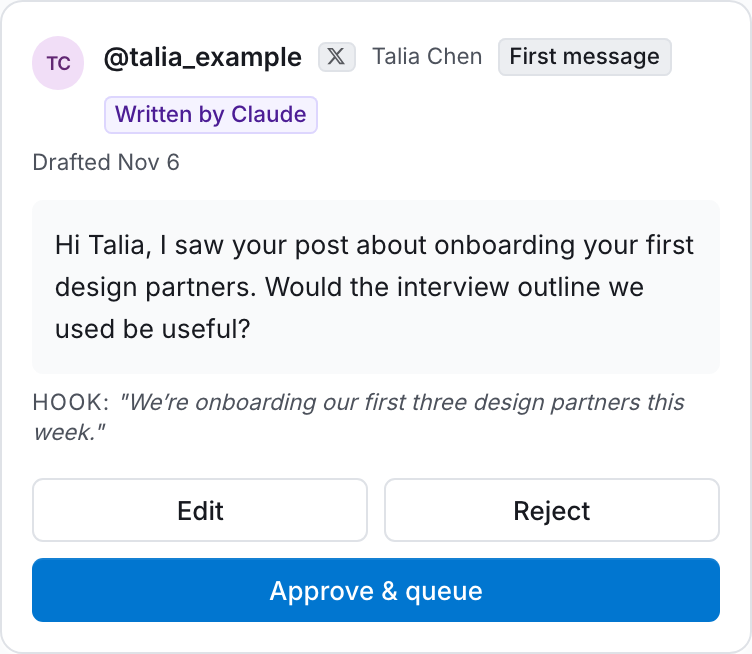
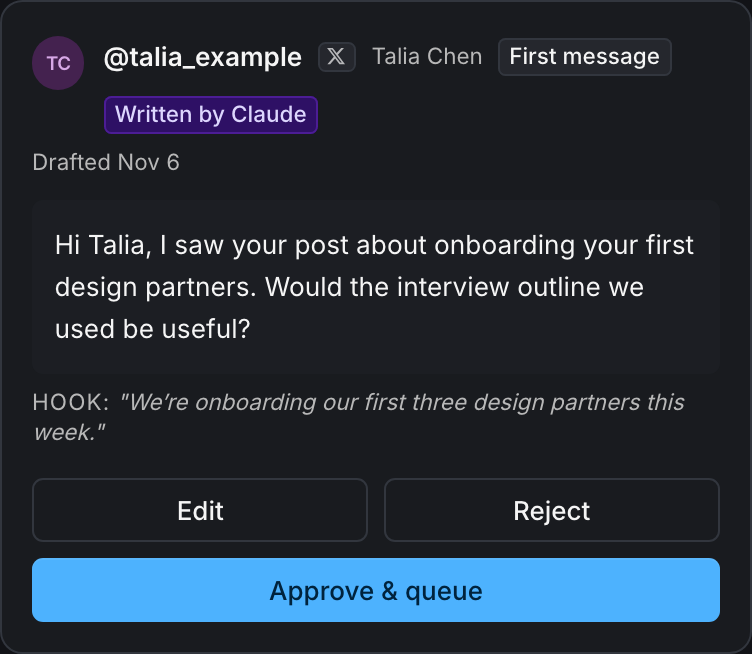
Write a template or ask AI to draft an opener from a recent post. Add a follow-up for people who don’t reply, choose your sending hours, and turn on first-message review.
Approve the opener, then handle the reply
Launch prepares the drafts for review. Edit or reject any opener, or approve it for your schedule. When someone replies, their follow-ups stop. Answer from the inbox and save a note or reminder in the CRM.
X controls whether an account can receive your DM. AI drafting and sending use credits. Estimate a plan for your list.